

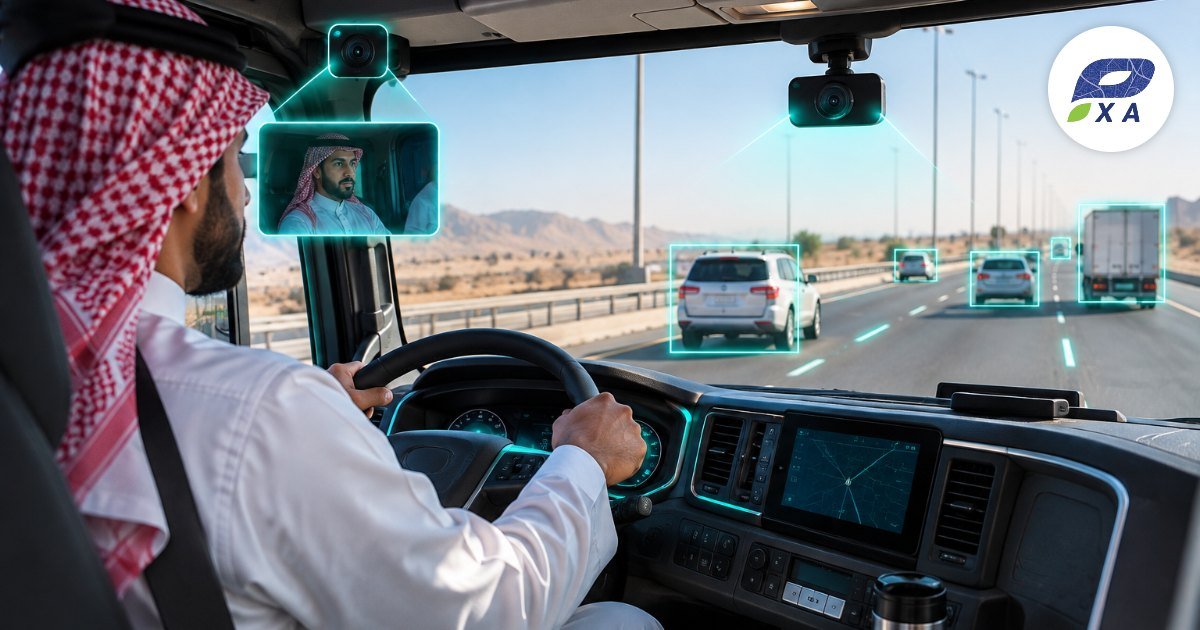

Tracking tells you where a vehicle is and how fast it goes, but not why a sudden brake happened, who caused an accident or whether the driver was using a phone. This is where a car tracker with camera comes in, combining location, video and smart analysis in one system. In this article we explain the types of car tracker with camera, how it protects your fleet and drivers, and how to implement it correctly.
What is a car tracker with camera?
It is a system that combines a GPS tracker with one or more cameras in the vehicle, recording video linked to location, speed and time, and sending key clips and alerts to the fleet management platform. Some systems add AI analysis that detects driver and road behavior automatically.
Camera types in a car tracker with camera
- Road-facing camera: documents what happens in front of the vehicle, the most important in accidents.
- Driver-facing camera: detects phone use, drowsiness, smoking and unfastened seat belts.
- Side and rear cameras: for trucks and buses to reduce blind spots.
- Cargo camera: to monitor loading and unloading.
Benefits of a car tracker with camera for companies
1. Fewer accidents
Real-time alerts to the driver for drowsiness or distraction prevent accidents before they happen.
2. Settling disputes and claims
Video linked to location and speed shows what really happened and protects your driver from false accusations.
3. Training with real examples
Recorded clips are a powerful training tool. Combine them with driver behavior monitoring.
4. Protecting vehicle and cargo
Documenting tampering, theft or unauthorized loading.
5. Remote viewing when needed
Watch a live stream or request a clip from a specific time.
6. Better discipline
A camera with a clear policy raises driver compliance.
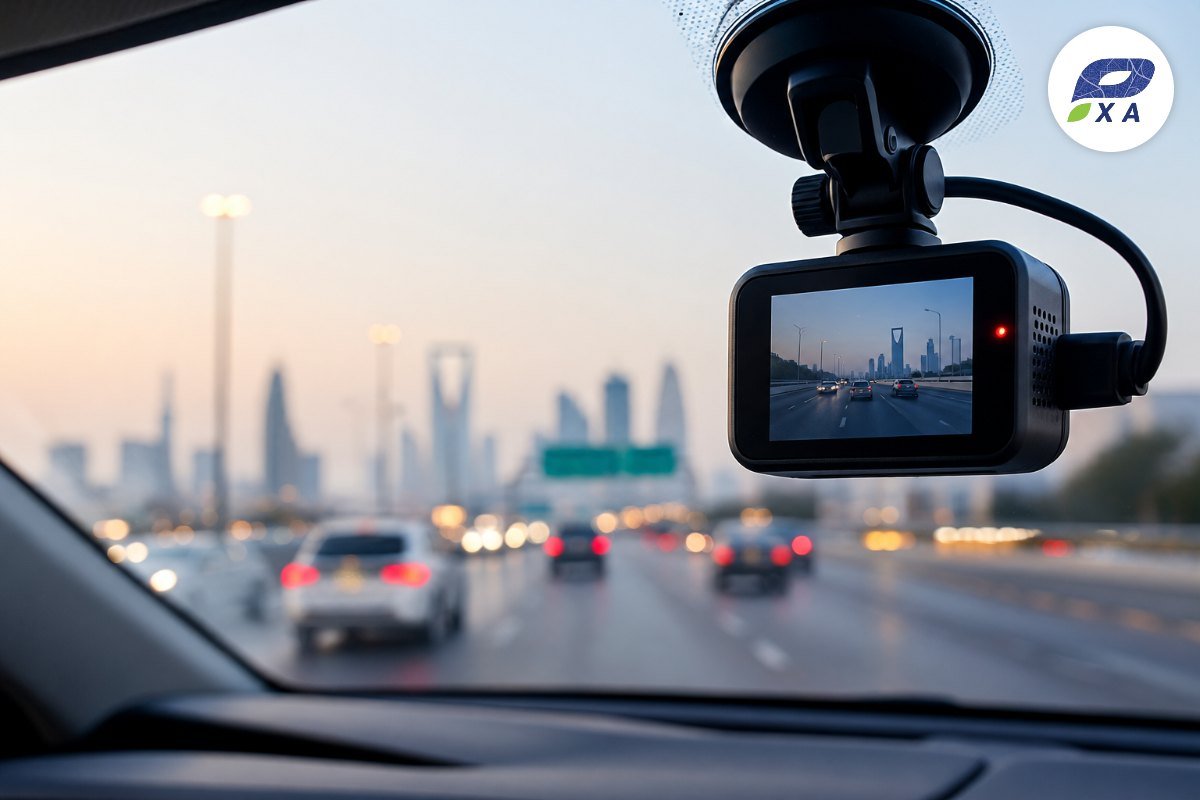
How AI analysis works in a car tracker with camera
- Phone detection: alerts when a phone is used while driving.
- Drowsiness detection: analyzing eye and head movement before a lapse.
- Forward collision warning: alerts when too close to the vehicle ahead.
- Lane departure: alerts when drifting without signaling.
- Automatic clip upload: on accidents and harsh braking.
These capabilities are part of Pixa’s advanced safety and driver performance system.
Tips for rolling out cameras in your fleet
- Explain the goal to drivers: cameras protect them and document facts, not spy on them.
- Write a policy: when clips are viewed, who has access and how long they are kept.
- Respect privacy: follow local regulations, including the Personal Data Protection Law by SDAIA.
- Start with the highest-risk vehicles: trucks and long trips.
- Use clips for training: and reward top drivers.
Pixa car tracker with camera
Pixa offers a car tracker with camera for cars, trucks and buses, with AI analysis of driver and road behavior, real-time alerts and automatic upload of key clips, on the same intelligent tracking and monitoring platform with professional installation and local support. For other smart capabilities read AI vehicle tracking systems.
Practical example: a video that settles a claim
A distribution company’s truck was involved in an accident at a traffic light, and the other party claimed the driver was at fault. Thanks to the car tracker with camera, the clip was uploaded automatically with speed, location and time, showing the other vehicle ran the red light. The matter was settled quickly, the company avoided repair costs and delays, and the clip was later used to train other drivers in defensive driving.
Summary
- A car tracker with camera adds visual evidence to tracking data.
- AI analysis prevents accidents with early driver alerts.
- A clear policy and respect for privacy are key to success.
Related Articles
- AI Vehicle Tracking Systems: Keep Your Fleet Under Watch 24/7
- Driver Tracking: Know Where Your Drivers Are and What They Are Doing Without a Single Call
- Car Trackers and Anti-Theft Protection: How to Immobilize a Vehicle Remotely and Recover It Fast
Frequently Asked Questions
Does a car tracker with camera record all the time?
Recording can be set according to company policy, with key clips uploaded automatically on events.
Can I watch the camera live from my phone?
Yes, depending on the device and package you can watch live or request a clip from a set time.
Do cameras use a lot of data?
Only key clips are uploaded, while the rest is stored on the device to reduce data use.
Are cameras suitable for small cars?
Yes, sizes and types are available for cars, vans and trucks.
See what happens inside and around your vehicle in real time. Contact Pixa now for a quote on a car tracker with camera for your fleet. Contact us now