


Search for a “vehicle tracking app” and you will find dozens of options: free phone apps, apps tied to specific devices, and complete fleet platforms. The difference between them is huge for a fleet owner. This guide explains what a tracking app must offer to truly serve your company, and how to tell an app that merely shows a dot on a map from a system that helps you manage the fleet and cut costs.
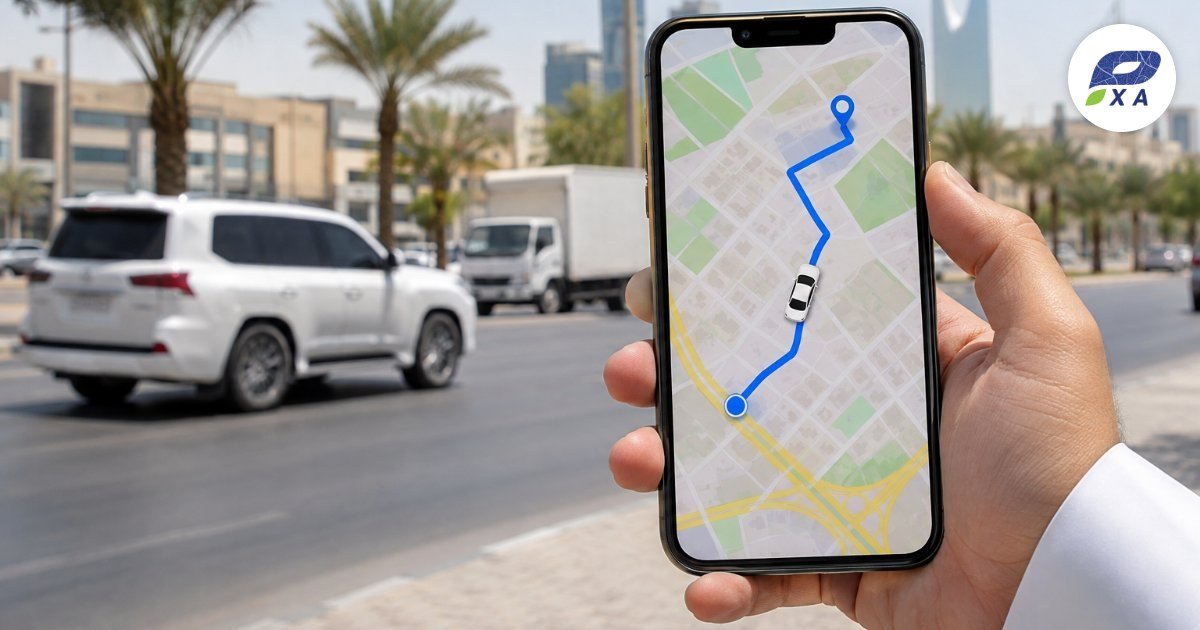
Tracking app or fleet management platform?
The app is the interface you open on your phone, but the value of the solution depends on what stands behind it. Ask yourself: is this just an app that shows the current location, or a gateway to a full platform that stores history, produces reports and sends alerts?
| Aspect | Simple app | Fleet management platform |
|---|---|---|
| Current location | Yes | Yes |
| Trip history and reports | Limited or missing | Detailed, exportable reports |
| Alerts (speed, zone, stop) | Basic | Customizable to your policy |
| Multiple users and permissions | Usually one user | Roles and permissions for managers and supervisors |
| Sensors (fuel, temperature, weight) | Usually unsupported | Supported depending on the device |
| Integration with company systems | Not available | Often through APIs |
If you have only two vehicles, a simple app may be enough. If your fleet is growing, a platform is the right choice. For the wider picture read the fleet management system guide.
Features a tracking app must have
1. A fast, clear live map. It shows all vehicles with their status (moving, stopped, engine on) with continuous updates, and supports filtering by group or driver.
2. Trip history (playback). You can go back to any day and see the vehicle’s route, stops and their duration. This is the basis for any dispute or question about a trip.
3. Instant phone alerts. Speeding, leaving an area, long stops, power disconnection, and you must be able to configure them yourself.
4. Geofencing. Draw a work zone or a customer location and receive an alert on entry or exit. Very useful for sales reps, maintenance teams and delivery.
5. Performance reports. A daily and weekly summary: distance, operating hours, long stops, misuse. If your goal is improving behavior, link them with driver behavior monitoring.
6. Driver tracking. Linking the driver to the vehicle and knowing who drove at any time, a topic covered in driver tracking.
7. Fuel reports. If you have a fuel sensor, the app must show consumption, refills and loss. Details are in fuel monitoring.
8. Full Arabic support. Arabic interface and reports without reversed letters or oddly translated terms.
Want us to demo the platform and its app on your own fleet? Try a live demo with the Pixa team.
Request a trial demo
Android and iPhone: what matters?
Make sure the app is available on both systems and gets regular updates. Also ask: does it work without draining the battery? Can a supervisor use it from the phone and the computer with the same account? Do notifications arrive reliably even when the app is closed? These small details make the difference in daily use.
Privacy and user permissions
Vehicle tracking means data about employees’ locations, so permissions must be set properly: who sees which vehicle, who can edit alerts, and who can export reports. Make permissions role-based, tell drivers about the tracking policy clearly, and define the working hours that tracking covers. Also confirm that your provider stores data securely and complies with the regulations in force in the Kingdom.
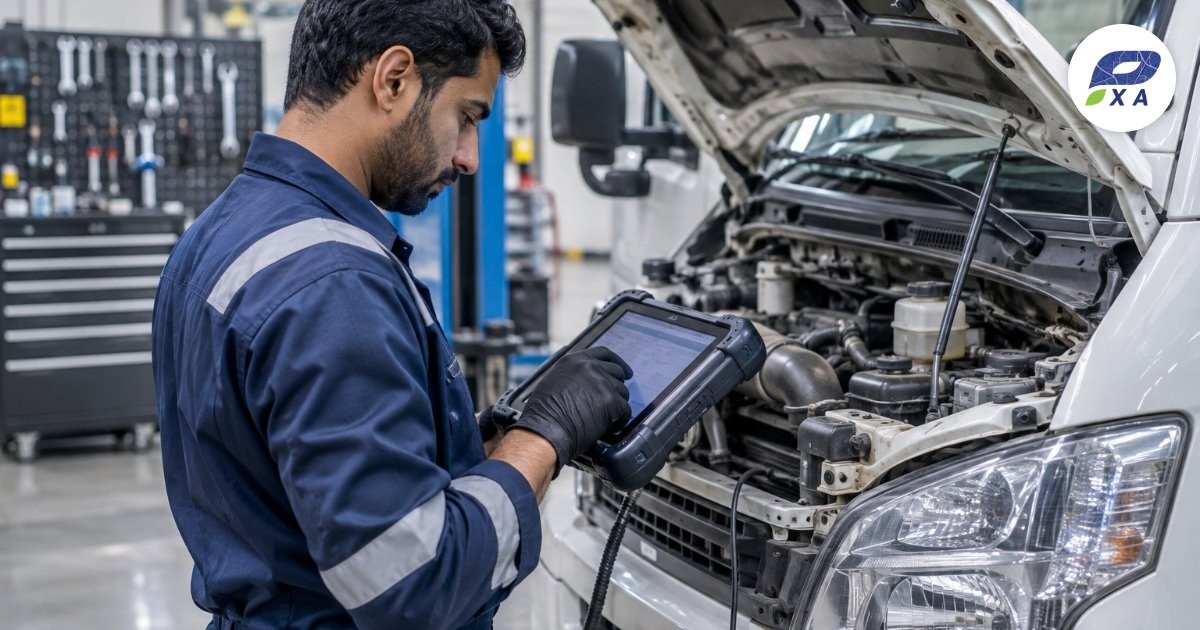
Is an app alone enough?
No. The app is an interface, but tracking quality depends on the device in the vehicle, the SIM and the platform. A weak device means a delayed location however nice the app is. So choose the complete solution: a reliable device, a SIM with suitable coverage, and an Arabic platform and app. Selection details are in questions before contracting with a tracking company, and the difference between SIM and device in this article.
Daily use scenarios
These are illustrative examples showing how each person in the company benefits:
- Operations manager: opens the app in the morning, sees how many vehicles left for work and which is late, and redistributes in minutes instead of calling every driver.
- Dispatch supervisor: receives an urgent order, sees the vehicle closest to the customer and sends it, reducing distance and time.
- Maintenance officer: reviews operating hours and distance per vehicle to schedule routine maintenance before a breakdown, and to expand see the predictive vehicle health monitoring system.
- Owner or general manager: receives a weekly summary of distances, stops and alerts and compares weeks without digging into details.
- Driver: knows the route is recorded, which alone reduces misuse of the vehicle outside working time.
Indicators to measure the app’s success
After a month or two of use, review these indicators instead of general impressions:
- Did unjustified trips and out-of-hours operation decrease?
- Did the response time to customer requests improve?
- Did violations and speeding drop?
- Are maintenance decisions now based on data rather than guesses?
- Do supervisors actually use the app daily?
If most answers are yes, the solution is doing its job. If not, the problem is usually training or alert setup, not the idea of tracking itself.
Mistakes to avoid when rolling out tracking
- Enabling every alert at once: it drowns the supervisor in notifications and they ignore all of them. Start with three important alerts and add gradually.
- Not explaining the goal to drivers: if they see it only as punitive monitoring you will meet resistance. Explain that the goal is safety and work organization.
- Not assigning someone to follow up: tracking without a person who reviews reports turns into idle devices.
- Ignoring coverage and device quality: an excellent app cannot compensate for a weak signal or an unreliable device.
Tracking app for delivery fleets
Delivery and logistics companies benefit especially, because customers wait and call asking “where is my order?”. When the platform can show vehicle location and estimated arrival, calls drop and customer experience improves. If your business is last-mile delivery, see the smart logistics platform for last-mile delivery to learn how tracking integrates with task scheduling.
How to evaluate an app before adopting it
Try it on two vehicles for at least a week. Check location update speed, alert accuracy and how easy it is to pull the report your manager asks for. Ask a driver and a supervisor to try it too; if they cannot use it without long training, it is probably too complex. And assess support: do they answer quickly, and is there an Arabic user guide?
Regulatory compatibility
If your vehicles are for transport, make sure the platform can integrate with regulators, review the requirements of the Transport General Authority, and see our explanation in integrating tracking devices with TGA platforms.
Summary
Choose the app based on the decisions you need to make, not on the look of its interface. For an integrated tracking and monitoring solution see the intelligent vehicle tracking and monitoring system, and if safety and driver performance are your focus see the advanced safety system and driver performance evaluation.
Quick summary of vehicle tracking app
- In short, vehicle tracking app is an operational decision that needs clear criteria before rollout.
- Everything above about vehicle tracking app depends on your activity and fleet size.
- Start with a small pilot of vehicle tracking app, then expand after measuring results.
- Ask any provider for a live demo that shows vehicle tracking app on your own vehicles.
- Document the results of vehicle tracking app every month and compare them with your goals.
- The Pixa team can help you with vehicle tracking app from planning to operation.
- The best vehicle tracking app results come from accurate data and a trained team.
- Do not judge vehicle tracking app from a single day, but from a long enough period.
Is there a free vehicle tracking app that is enough for companies?
Free apps may suffice for personal use or one vehicle, but companies need reports, permissions, alerts and data history, which usually require a dedicated platform.
Can I follow my fleet from the phone only?
Yes if the platform offers a full app, though large analytical reports are easier on a computer.
Does the app work without a tracking device in the vehicle?
Accurate vehicle tracking needs a device installed in it. Some apps track only the driver’s phone, but they do not replace the device because they depend on the phone and its permission.
Can supervisors get limited permissions?
Yes in good platforms; you define which vehicles and reports each supervisor sees.
How long should I trial an app?
At least a week on two or more vehicles is enough to judge speed, accuracy and reports.